
Room & time
Connect room/time bookings with the live operating state.
Connect room/time bookings, live room state, customer QR orders and recorded payments through end-of-day closeout.
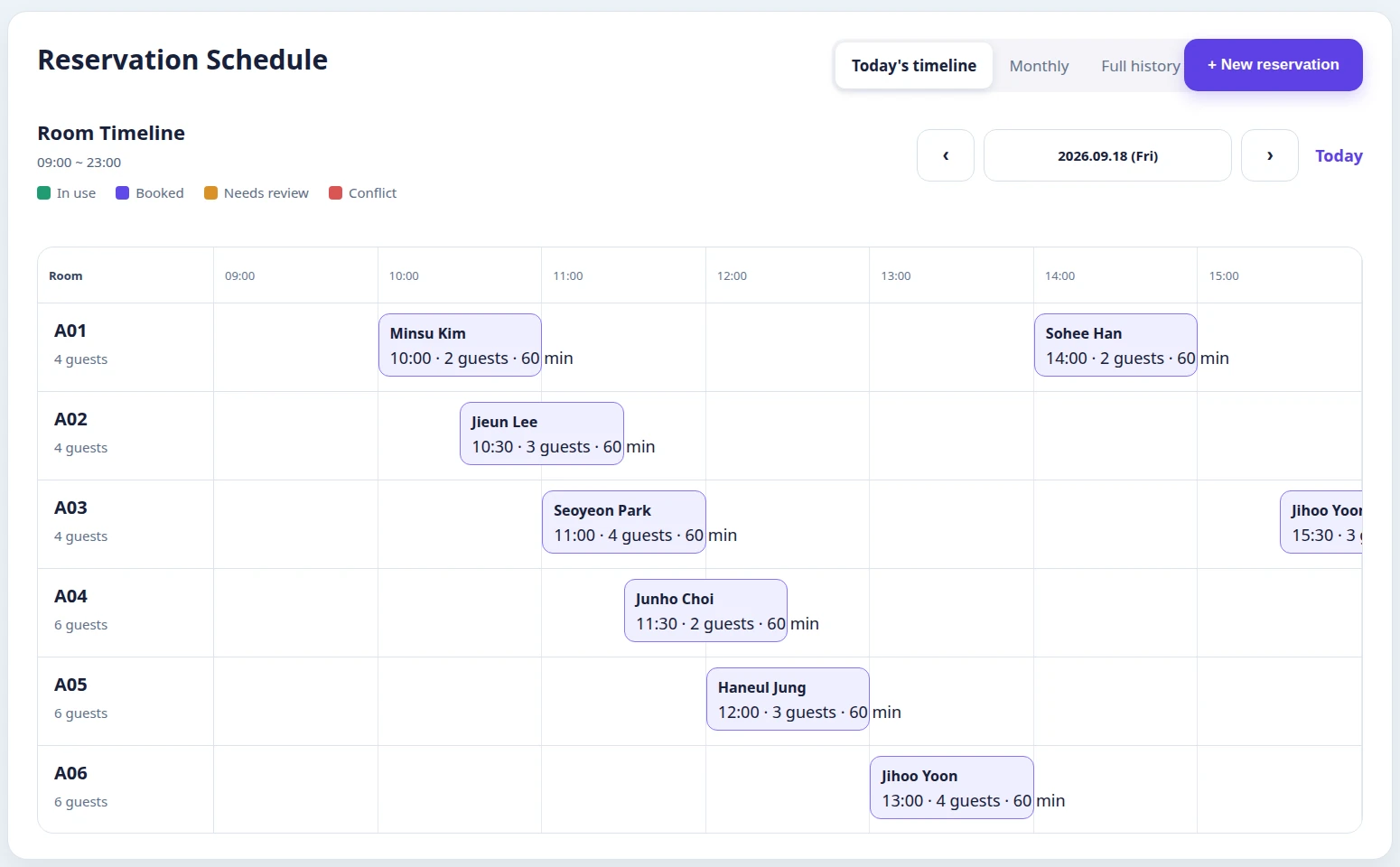
Room board, order notes and payment records stay separate
Room state → QR order → payment and closeout stay connected
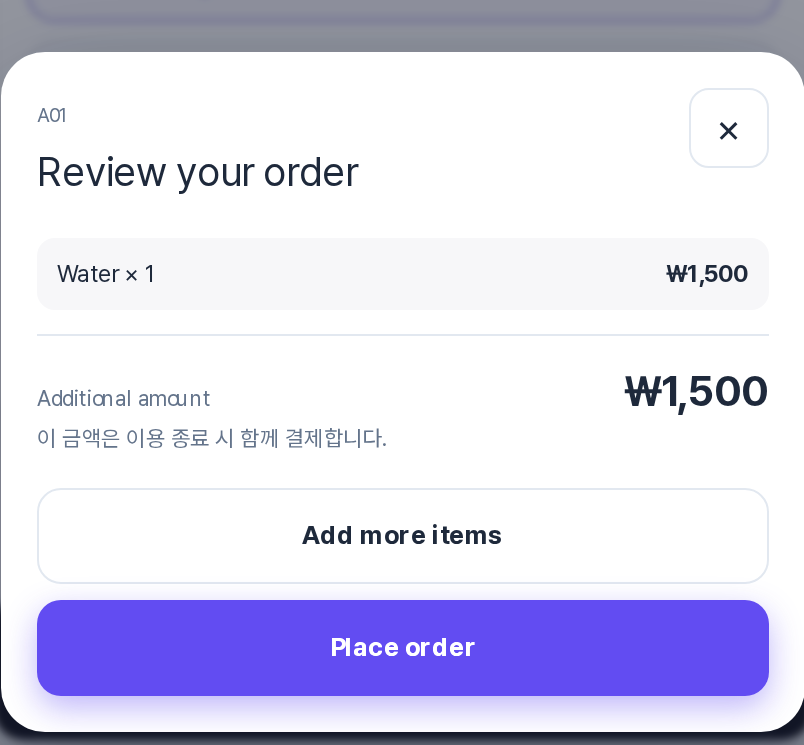
The first screen is the current Korean-language staff room timeline; the second is the localized customer QR ordering flow.
Connect room/time bookings with the live operating state.
See check-in and the current room state on the same timeline.
Bring customer QR orders and in-session changes into the same usage record.
Review recorded payments, receivables and refunds at closeout.
Apply for beta
Review fit with your current workflow
Guide setup and customer-data migration scope
Use the beta and share feedback
Booking deposits and product or service orders are integrated with online checkout. Confirmed payment results continue into existing booking, order and sales records.
Connect a payment to its booking and update its status.
Keep order amounts and payment status connected to floor operations.
Link refund requests and their outcomes to the original transaction.
Payment and refund integration passed a limited real-payment check. General online checkout is currently disabled in beta; eligible stores and availability will be announced separately.
No. FLOVI does not replace karaoke machines or PG/VAN payment terminals. It connects rooms, bookings, QR orders, recorded payments and closeout.
Stores configure base time, base price and additional-time pricing, then keep the resulting usage record connected to closeout.
Orders submitted from the room enter the staff confirmation flow and are connected to the same session record.
Start with your business type, name and email. Add operational details only if they are useful.