
FLOVI

Take booking requests from international customers without requiring a Korean phone number.

Show services in Korean, English, Japanese and Chinese and handle email-first booking requests in the existing reservation workflow.
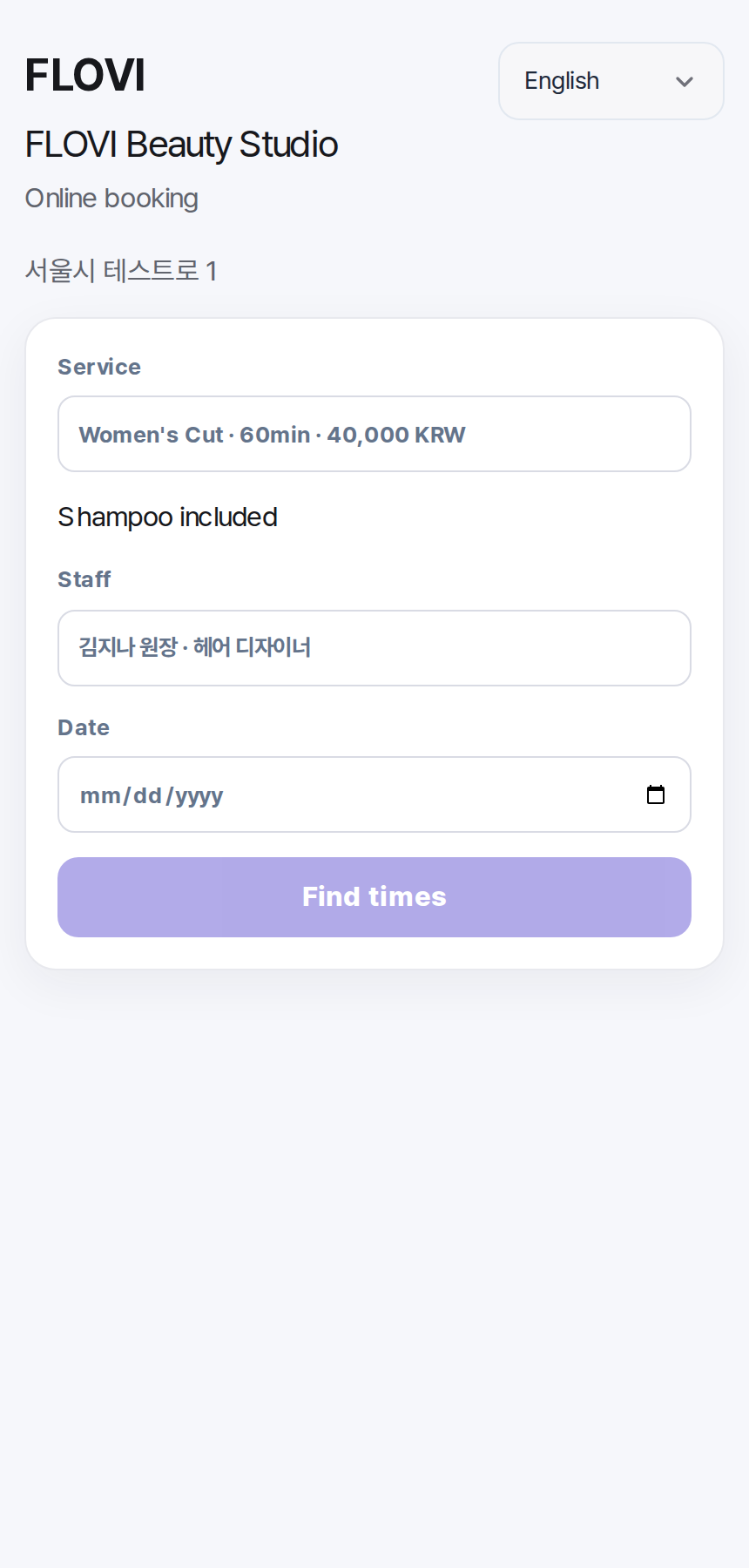
English customer booking
  • 01Korean, English, Japanese and Chinese customer pages
  • 02One customer list for domestic and international guests
  • 03Public pages only when the store enables them
Typical setup

DM inquiry → translation → schedule check → customer details kept separately

With FLOVI

Multilingual service page → booking request → existing bookings → existing customer record

Real international-customer flow

See the international customer booking flow in English.

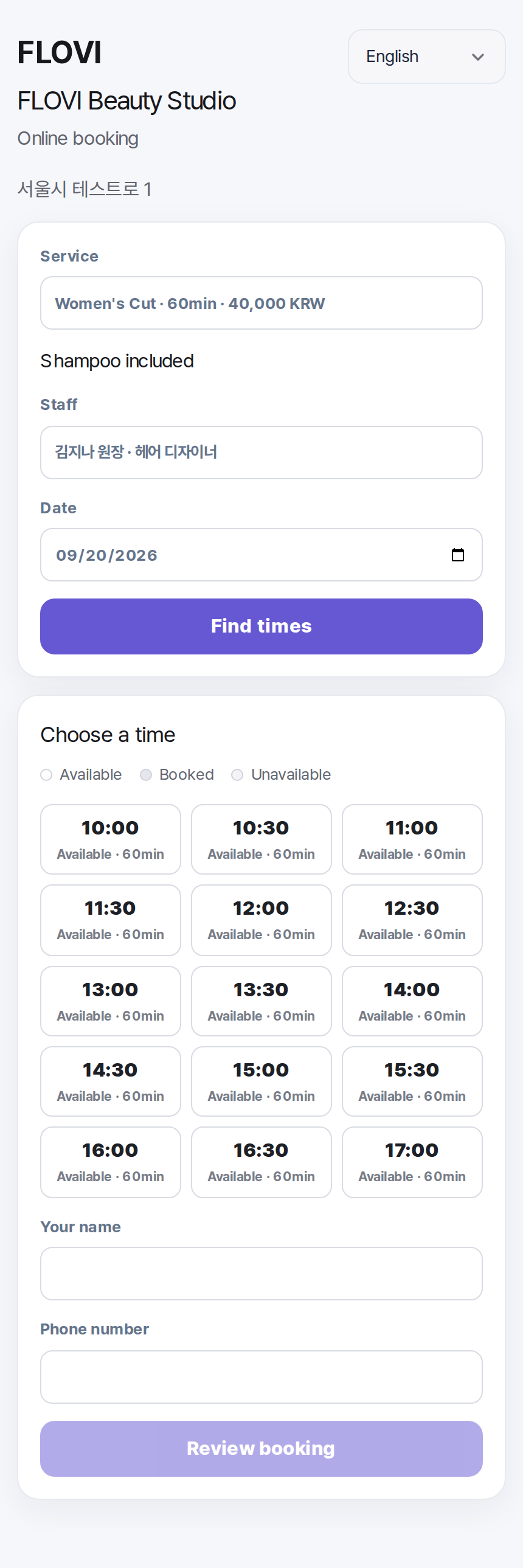
The customer booking flow is shown in English, and international requests still enter the existing booking workflow.
English customer booking
English customer bookingThe customer-facing booking flow in English.
English availability
English availabilityAvailable-time selection in English.

International requests stay inside the existing booking and customer model.

Publish

Multilingual public page

The store decides whether to expose a public customer page.

Request

Booking request

A customer without a Korean phone number can start a request on the multilingual page.

Store review

Existing booking workflow

The store reviews the request in the existing booking flow; it is not treated as instant confirmation.

Afterward

Same customer list

Domestic and international customers stay in one customer list.

What happens after you apply

  1. 01

    Apply for beta

  2. 02

    Review fit with your current workflow

  3. 03

    Guide setup and customer-data migration scope

  4. 04

    Use the beta and share feedback

Questions for this workflow

Can customers submit a request without a Korean phone number?

Yes. The public customer page can receive email-first requests without requiring a Korean phone number.

Which languages are supported?

Customer pages support Korean, English, Japanese and Simplified Chinese.

Are international bookings managed separately?

No. International requests stay inside the existing booking and customer workflow.

Are requests confirmed instantly?

No. The store reviews the request; instant confirmation is not currently supported.

Are international cards supported?

International card payments are not currently supported.

Is the public booking page exposed automatically?

No. It appears only when the store explicitly enables the public page.

Apply

Apply for the beta

Start with your business type, name and email. Add operational details only if they are useful.

Applying does not commit you to a rollout.We first review your current workflow and fit, then guide setup and customer-data migration scope. Automatic subscription billing is not connected during the beta.
Setup and customer-data migration guidance · public pricing not final · no automatic subscription billing
Add details (optional)

Preparing security verification.

We will follow up by email with the next step after reviewing your inquiry.

Check if FLOVI fits my store